Virtual Machines built for Apple silicon and AI agents
Lightweight, beautiful and smooth like butter.
Apple siliconmacOS 26 or laterWhat's new in 0.38
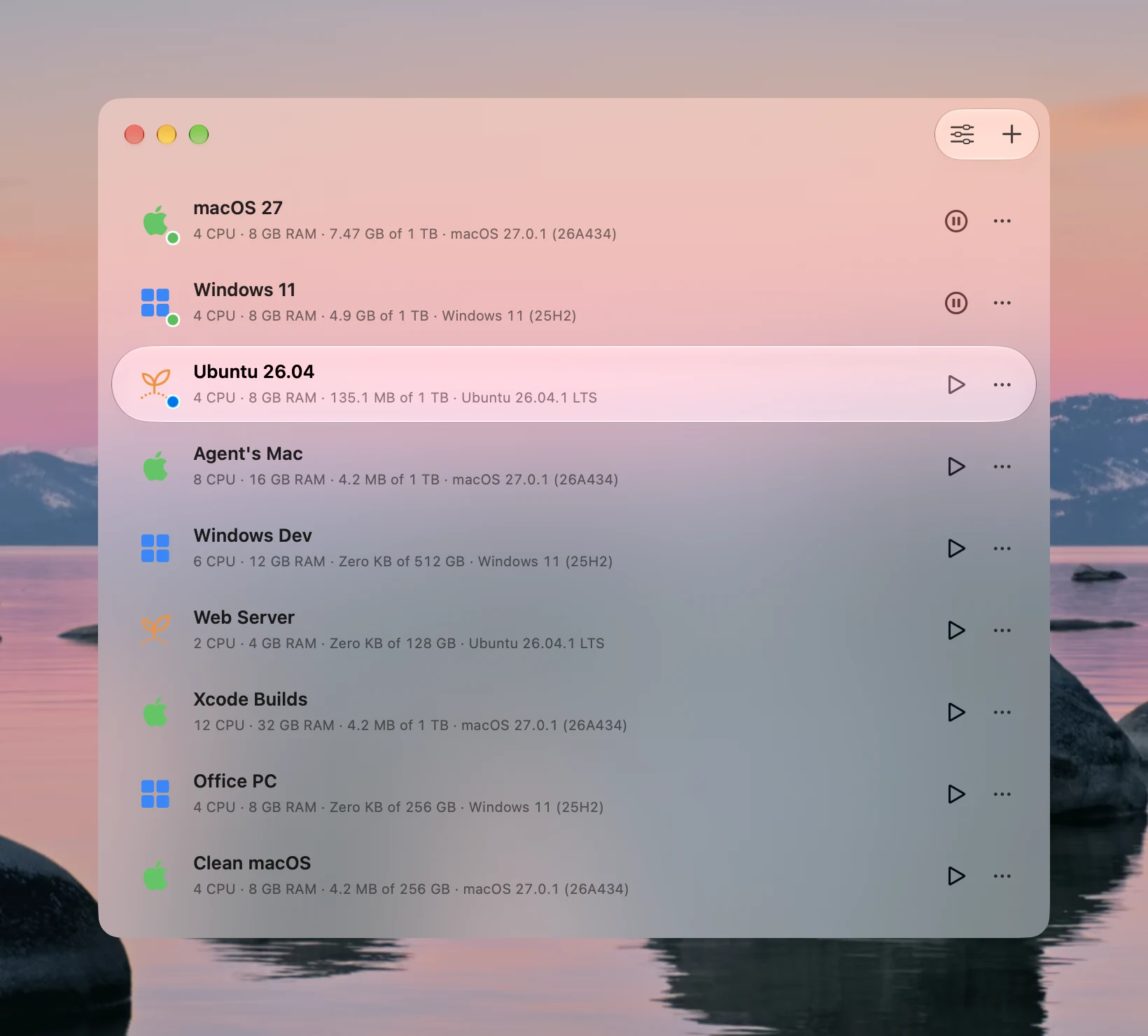
macOS × Windows × Linux with GPU acceleration.
-
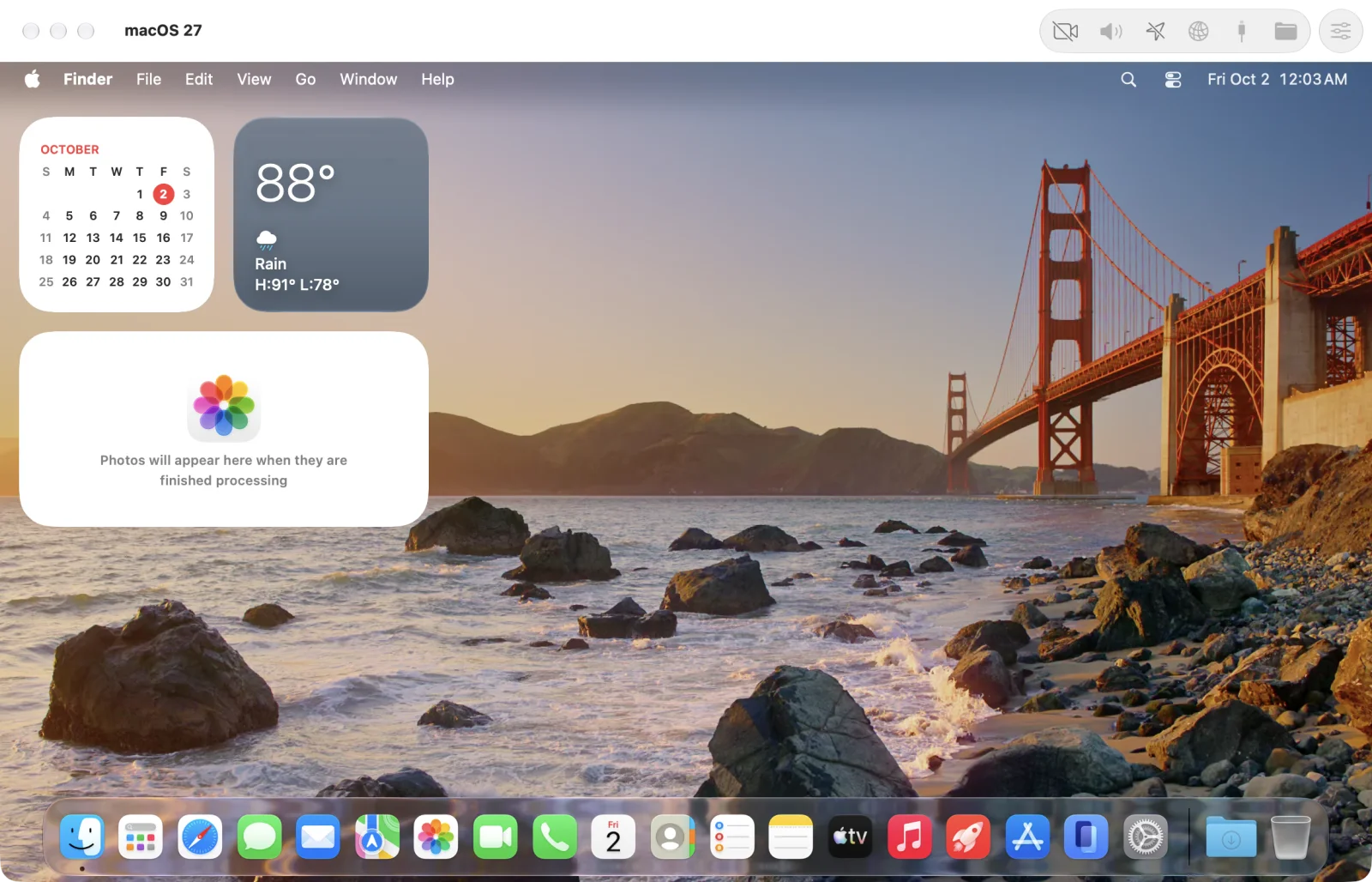
 macOSStraight from Apple, installed in minutes, with Metal on your Mac's GPU. VMPal Tools add the clipboard and drag & drop. On macOS 27, setup takes no clicks.
 -
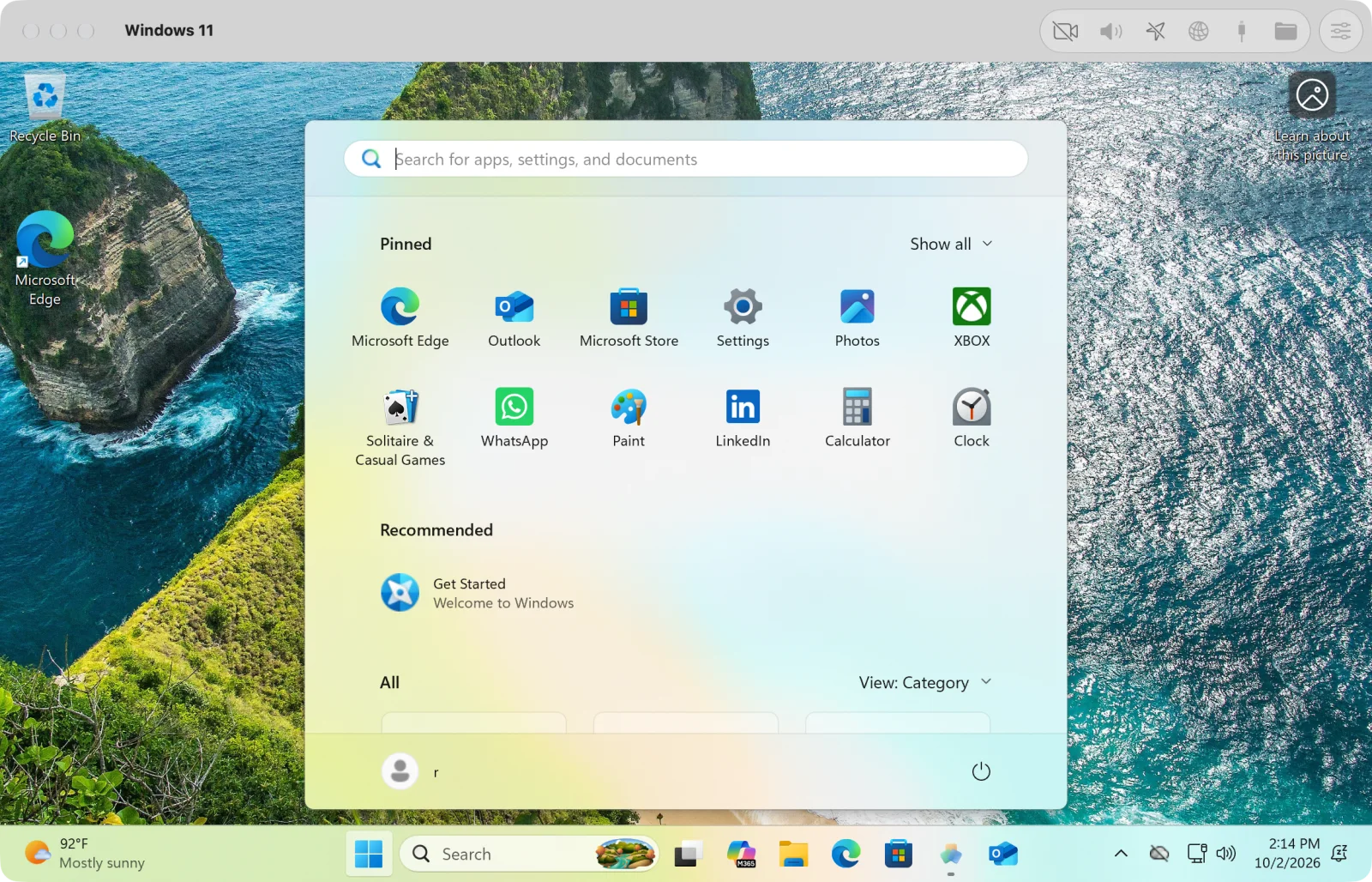
 Windows 11VMPal's own engine, installed for you. Retina up to 5K, a TPM 2.0, USB devices, Direct3D 11 and OpenGL 4.1 on your Mac's GPU.
 -
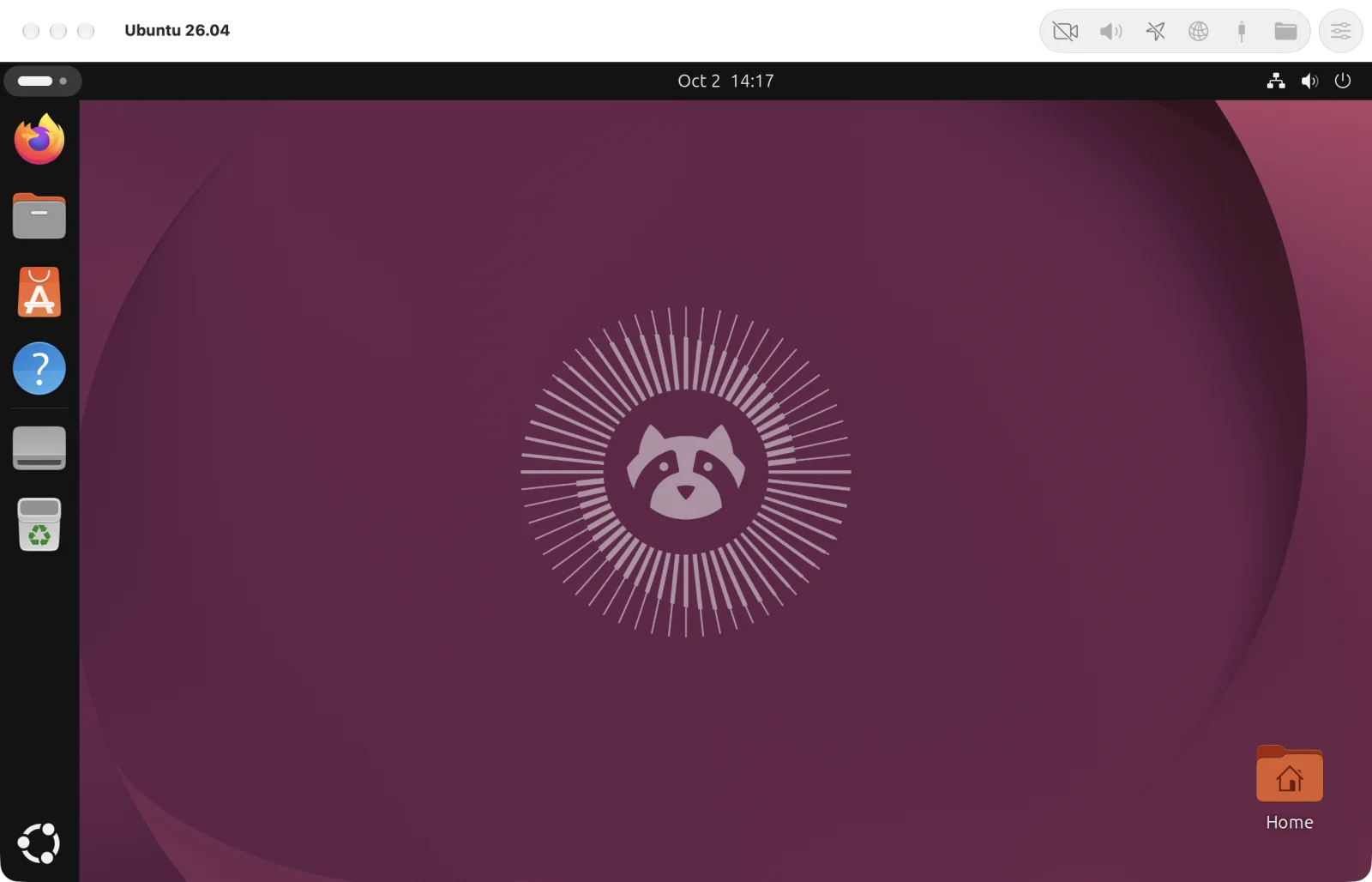
 Ubuntu and FedoraInstalled for you in minutes. OpenGL 4.1 on your Mac's GPU, Rosetta for Intel programs, and nested virtualization.
- Lightweight A VM's disk is only as big as what's in it. It moves to another Mac in one file, and clones take space only as they change.
- Fast on every system macOS and Linux on Apple's Virtualization framework, Windows on VMPal's own engine. Each draws on your Mac's GPU.
- Beautiful design We care about the details. Every pixel in VMPal is perfectly aligned and made to feel at home on macOS.
- Sharp on Retina The display follows the window, at your Mac's scale, up to 5K.
- Installed for you Pick macOS, Windows 11, Ubuntu or Fedora, the newest or an older release, or an IPSW or ISO you have. VMPal downloads it and installs it in the VM's window, with your account and VMPal Tools. A cover keeps stray clicks out until it's ready.
- Share everything Clipboard with files both ways, drag and drop in and out of every VM, and Mac folders in Finder, Explorer and Files.
- Snapshots Save a VM as it is, running or not, and roll back in seconds. Each takes space only as the VM changes.
- Port forwarding Reach a web server or SSH in any VM through a port on your Mac.
- Live settings Name, disk, shared folders and network change while the VM runs.
- Sound and mic, per VM Each VM gets only what you allow, and a green light shows when the mic is in use.
- Its own app in the Dock Each VM runs as an app of its own, with its own Dock icon. A crash stops only that VM.
- Import from Parallels Bring your Parallels VMs over in a few clicks.
Give your AI agent its own machine.


Stop clicking Allow. It needs no permissions.
On your own Mac, an agent stops for Accessibility, Screen Recording, app access and passwords, and waits for you. Some prompts it can't click at all. In VMPal it uses the VM's own keyboard and mouse, so the system sees you, not an app asking for rights. It runs installers, answers prompts and signs in on its own.
A machine of its own. It never gets in your way.
All that power stays inside a whole Mac, PC or Linux box in a VM. Your Mac, your files and your screen are never touched, and agent control is opt-in for each VM.
Undo anything. Snapshots built in.
Take a snapshot before the agent starts. If it goes wrong, roll the whole machine back in seconds.
Set up in one click. Built-in MCP.
One click adds VMPal to Claude Code, Codex, Grok CLI or Gemini CLI, in the VM or on your Mac. The agent can then see the screen, take the controls and run commands, as you or as an administrator.
Every system, one Mac. Get VMPal.
Apple siliconmacOS 26 or laterRelease notes